Documentation Index
Fetch the complete documentation index at: https://docs.dovetail.com/llms.txt
Use this file to discover all available pages before exploring further.
Format, style, and structure your doc
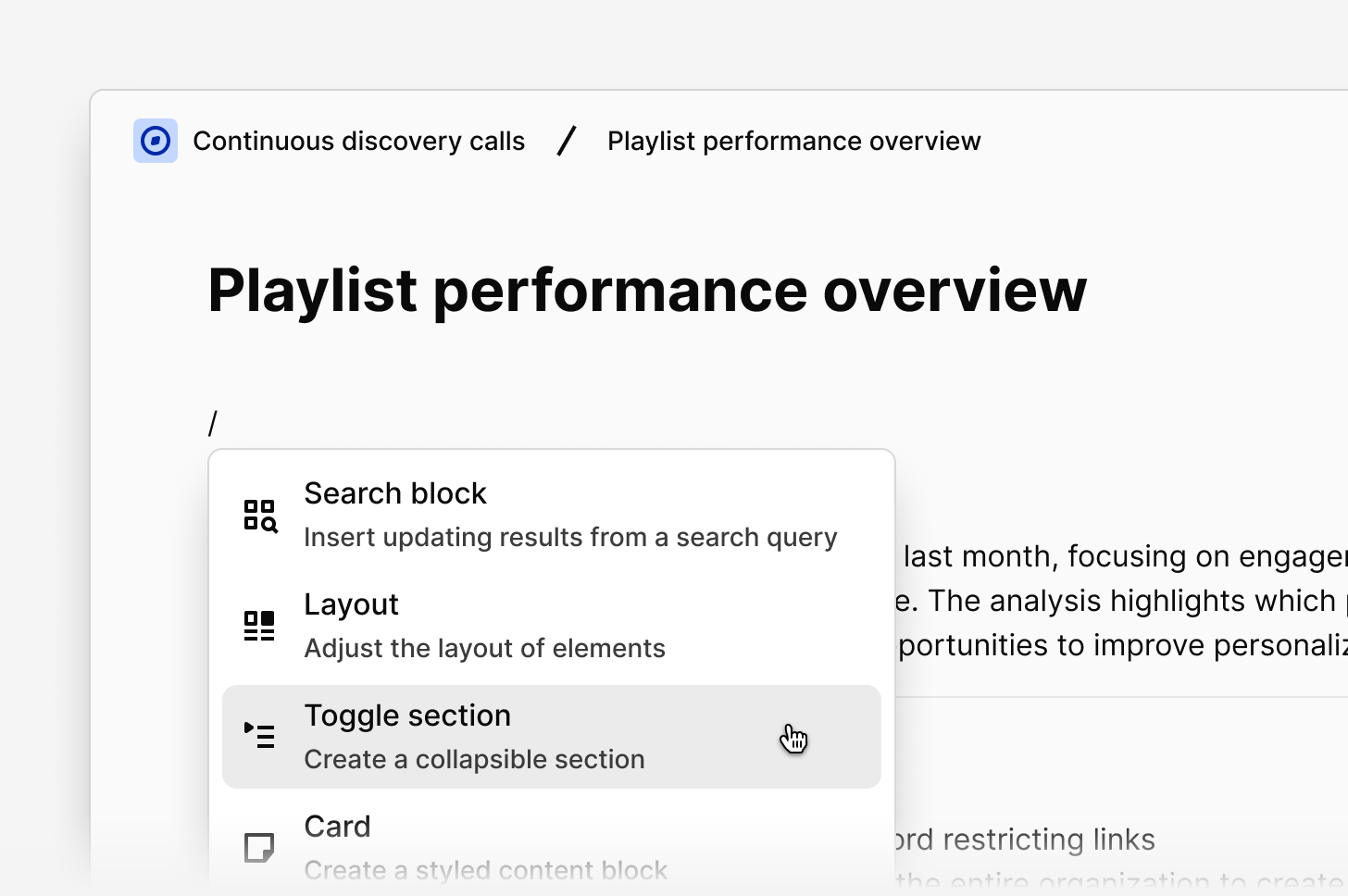
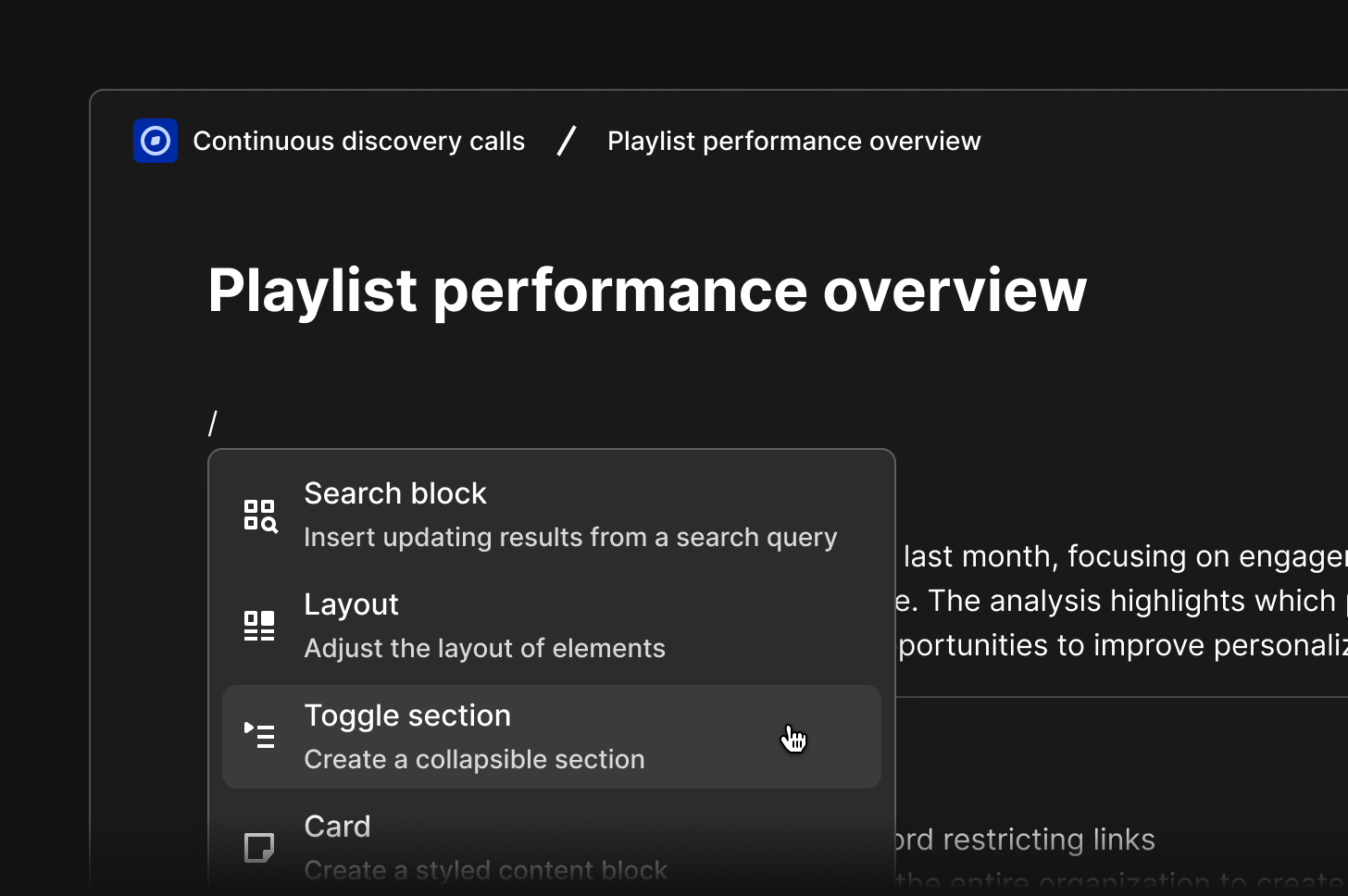
Ease stakeholders through your findings by polishing how text and data is displayed in your doc. In a doc, type/ within the editor to see all blocks for formatting and structure options that you can drag and drop with ⋮⋮ anywhere on your page. Learn how to edit and format your doc →
Formatting options include
- Headings and text styling →
- Add cards, layouts and dividers →
- Add a table of contents →
- Add, modify, and remove tables →
- Toggle sections →
- Code block →
Add a cover image to your doc
Doc cover photos give you a quick way to make your doc more visual with a banner. You can upload your own image as a cover photo or search for one from thousands of free photos using our Unsplash integration.- To do this, click the
...menu - Click
Update coverand select your image - Once selected, it will be automatically applied and saved to your doc
Version history
You’ll needcan edit access to view version history.
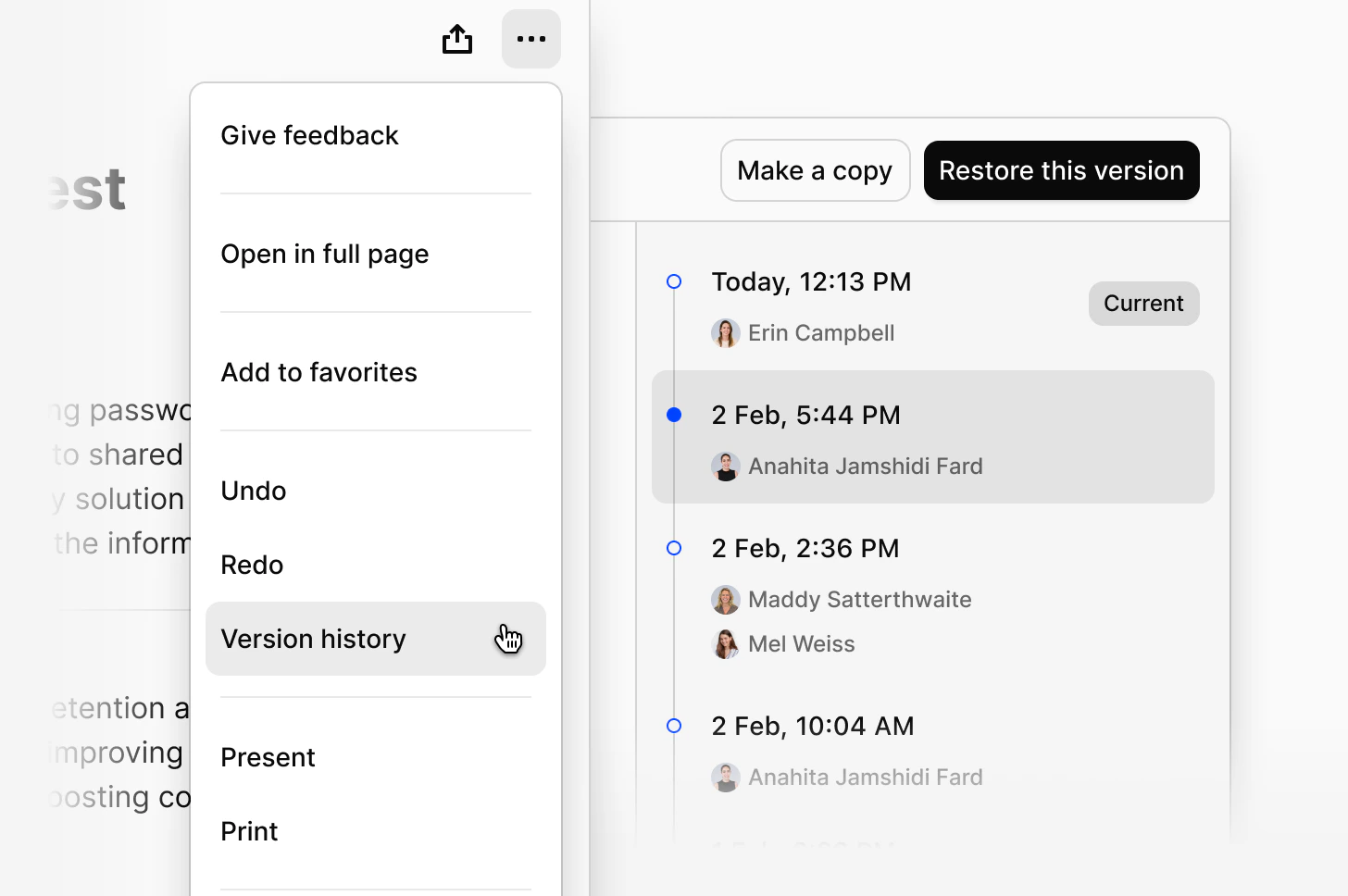
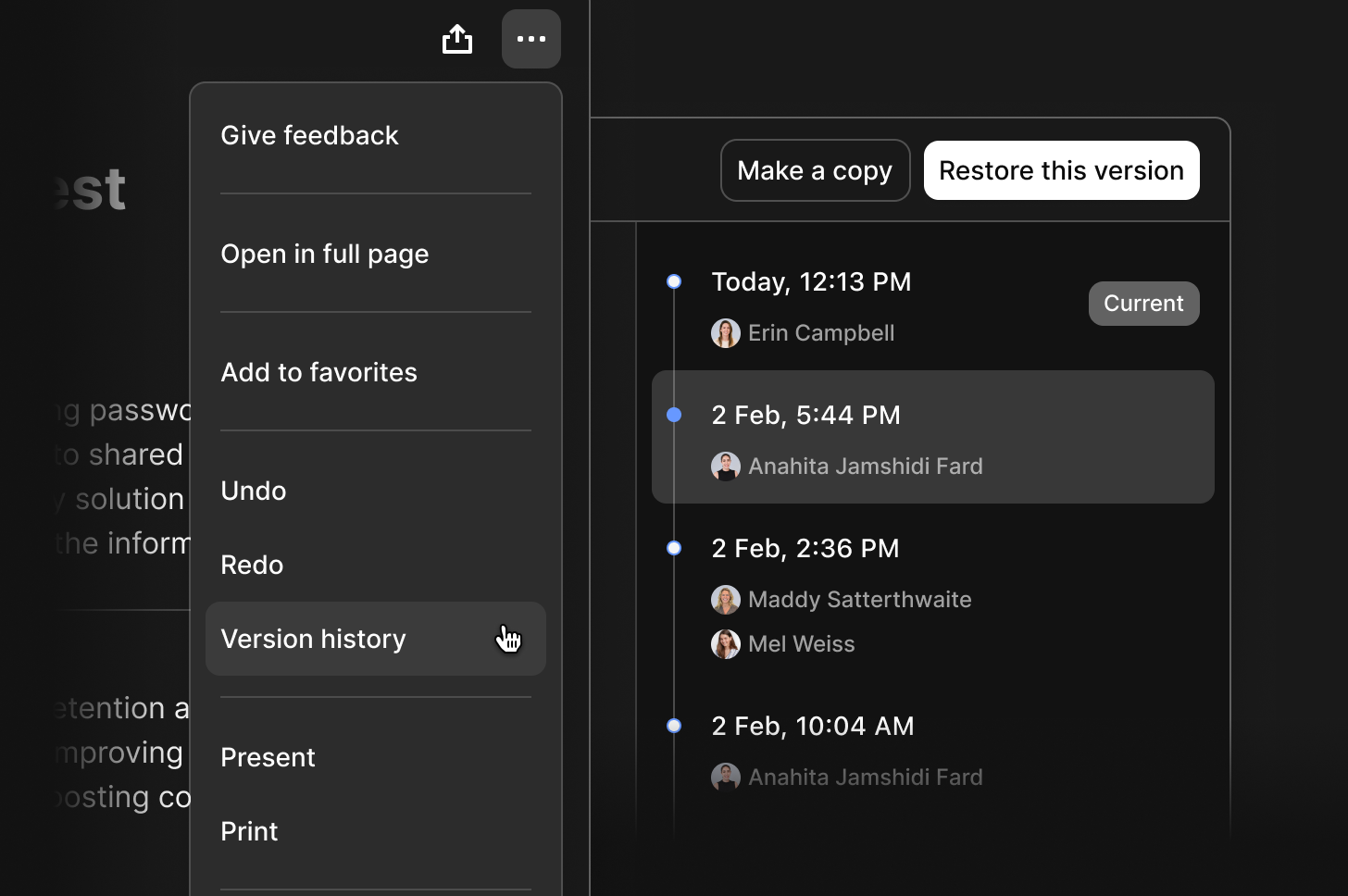
- Click the
...menu in the top right corner of the doc - Select
Version history
- View all previous versions of the page
- Open a version to see how the page looked at that point in time
Version history saves automatically as you edit. A new version is created when you stop editing for 10 seconds.
Restore a previous version
- Open the version you want to restore
- Click
Restore this version
- Previous versions remain in the history
- The restored version is added as the current one
Make a copy of a previous version
- Open the version you want to copy
- Click
Make a copy
- In the same location as the original
- With the same permissions